
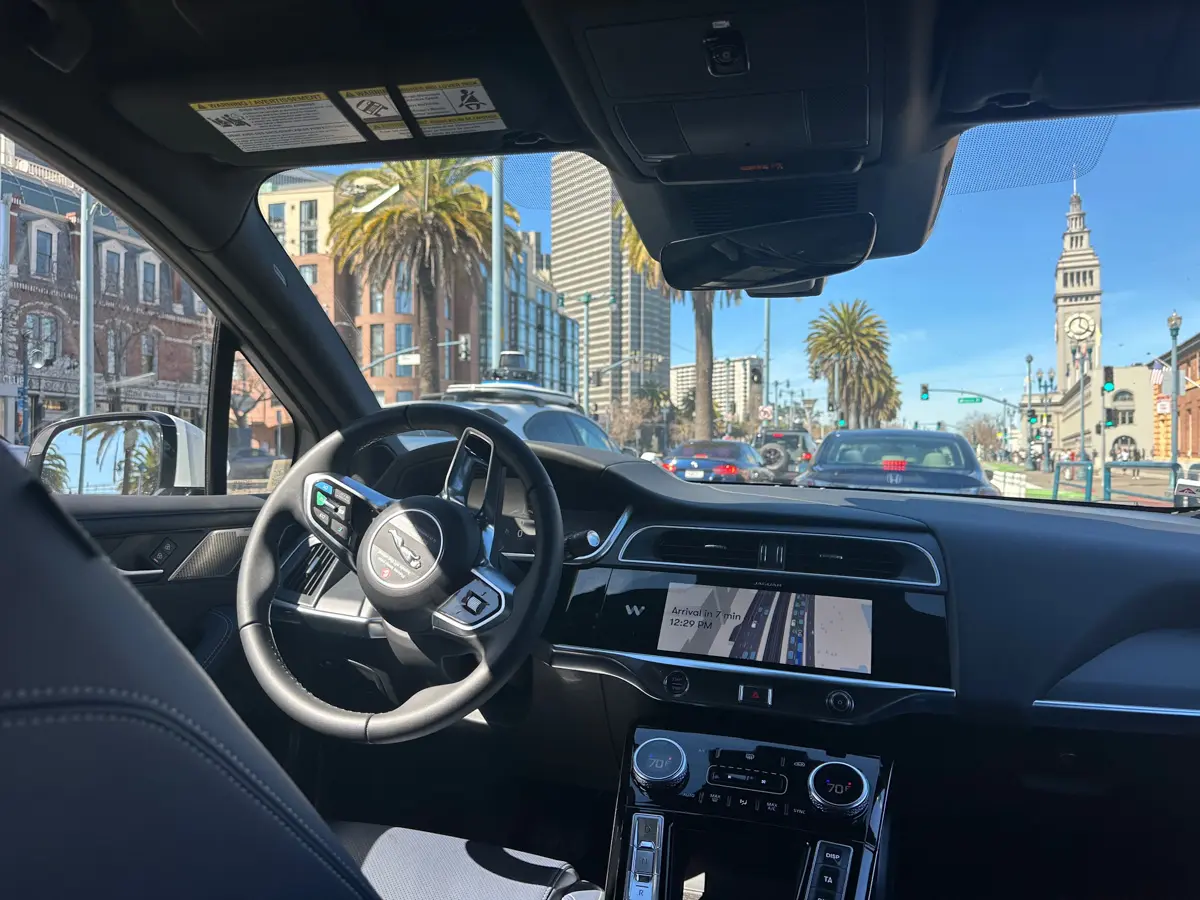
Riding in a Waymo, San Francisco’s driverless cars, feels both futuristic and admittedly a little weird, especially for the first time. And locals seem to fall into two camps: The “heck yeah, let’s take a Waymo,” squad and the “No way, I’m not comfortable” crew.
I’m in the former and have taken many. The process starts like any other rideshare, but once the car arrives, the experience quietly shifts into something very high-tech and San Francisco.
Ordering the Ride: Like Uber, Minus the Driver
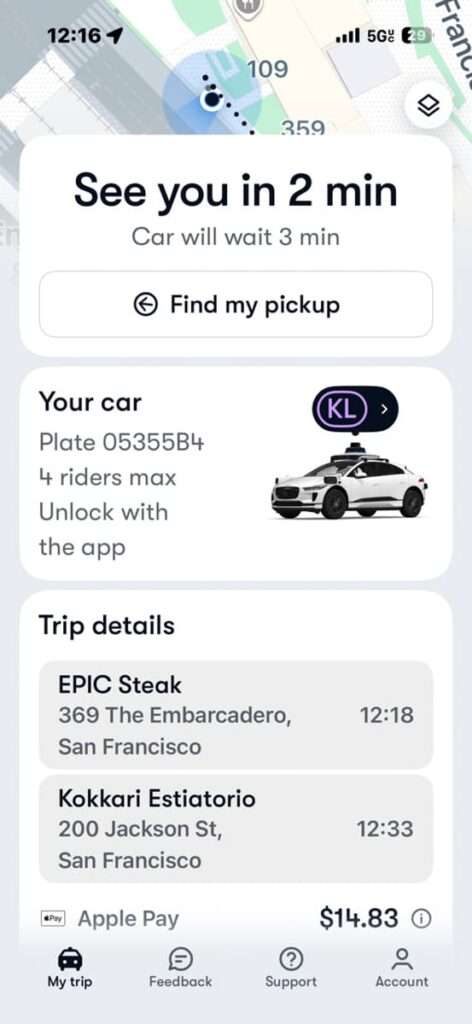
First things first, make sure you’ve downloaded the Waymo app on your smartphone and set up your account and payment method.
You order a Waymo the same way you would any rideshare. Verify your pickup and drop-off location, and you’ll get an estimated time and price for the ride. Confirm and watch the cute little car move closer to you on the map.
Usually, your wheels arrive in around 5 minutes, especially if you’re downtown. But on busy days or in more remote parts of the city, I’ve waited 10-12 minutes.
FYI: Waymo cars do not cross bridges, so you will only be riding within the city limits.
As of January 2026, service to SFO is in a pilot phase, with pick-ups and drop-offs currently restricted to the rental car center rather than directly at terminals (so a train will be required the rest of the way)
In the meantime, here’s what to expect during your San Francisco Waymo driverless car ride, step-by-step.
Find Your Car: Look Up, Not Down
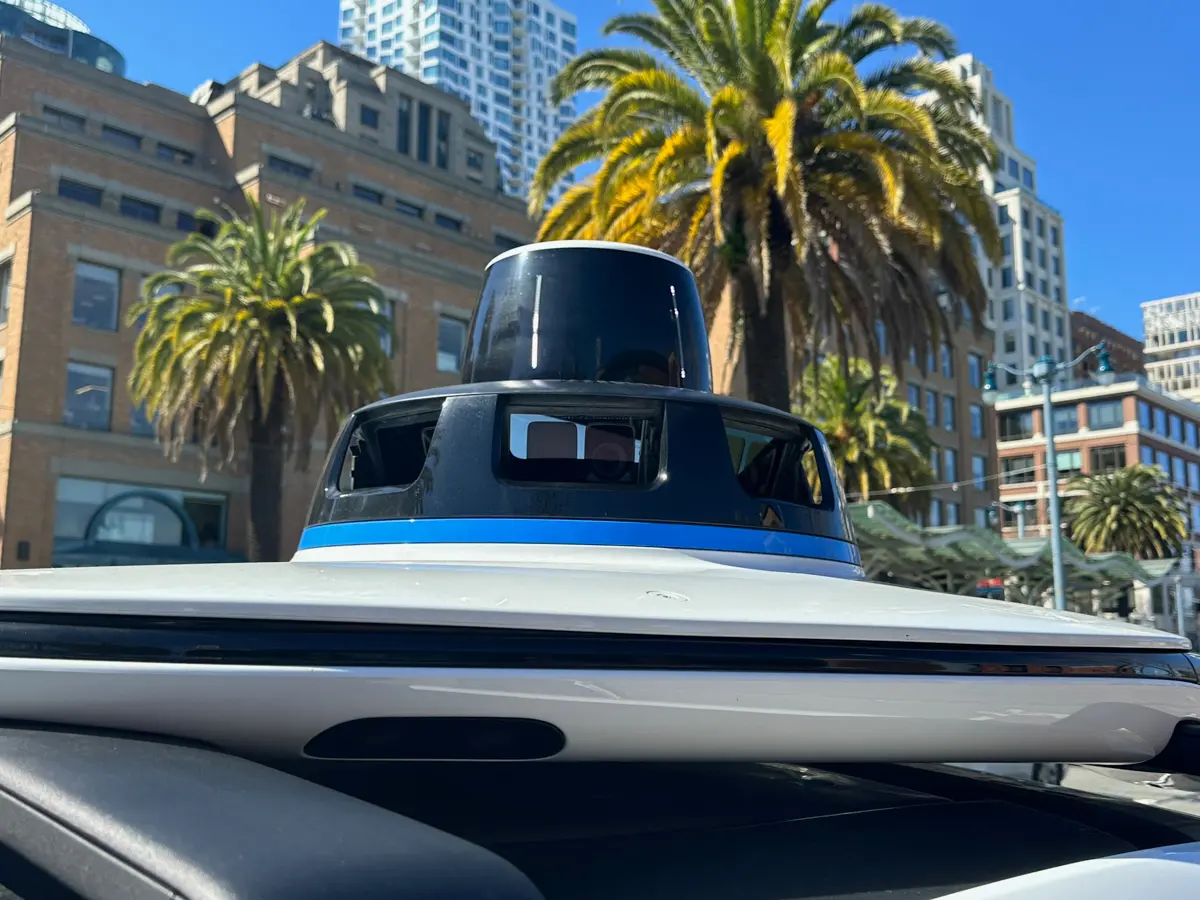
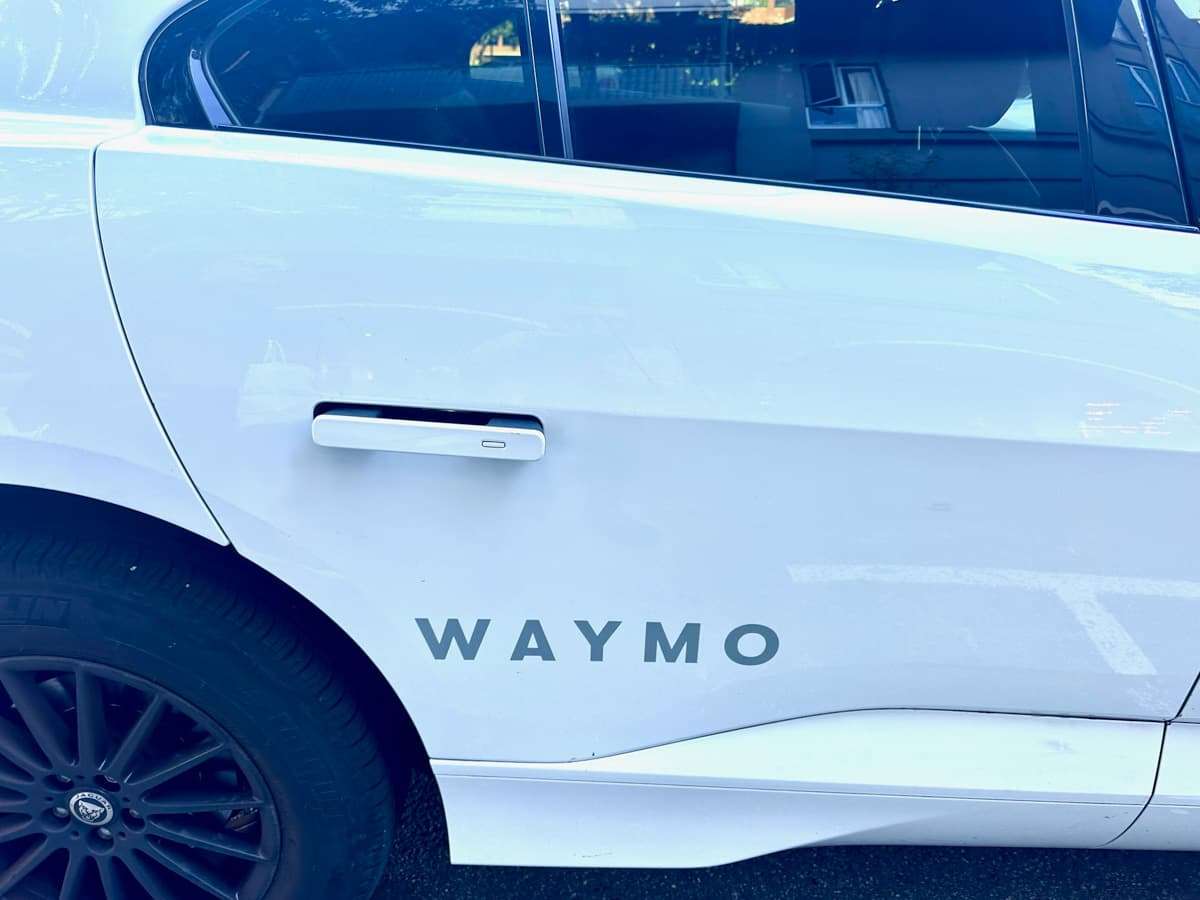
When you see “car arriving” on your app’s map, look at the top of the car instead of squinting at the license plate.
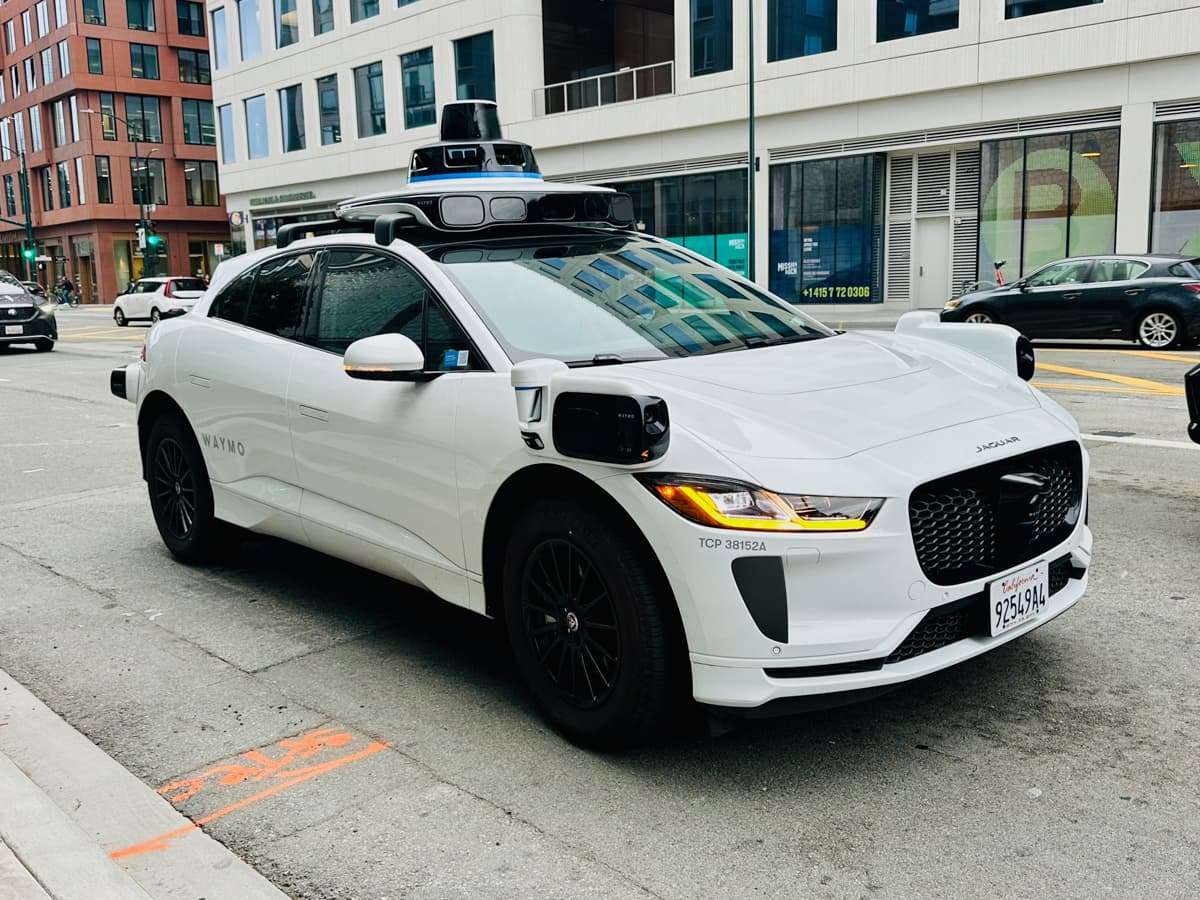
The Waymo’s round digital display is on the roof, which will show your initials (or your assigned car ID). For some reason, it doesn’t show up in my photo, but my initials, KL, were there in purple. This is genuinely helpful when multiple Waymos idle at the curb.
The Waymo stays locked until you unlock it in your app, or it auto-unlocks as you approach the car, if you’ve enabled that setting. You know the car is unlocked when the door handles pop out. Fancy!
Unlocking is a deliberate step tied to your app. Others will not be able to get into your Waymo by accident, and you won’t be able to get into the wrong car either.
Inside the Car: Calm, Clean & Touchscreen
For you non-chatty types, Waymo’s no-driver scenario means you can ride in total silence if you want.
Cars are usually spotlessly clean, though last time I hopped in, someone had left an empty Gatorade bottle on the floor. Eye roll. If your car’s not clean, report it to Support. They appreciate it, and so do fellow riders.
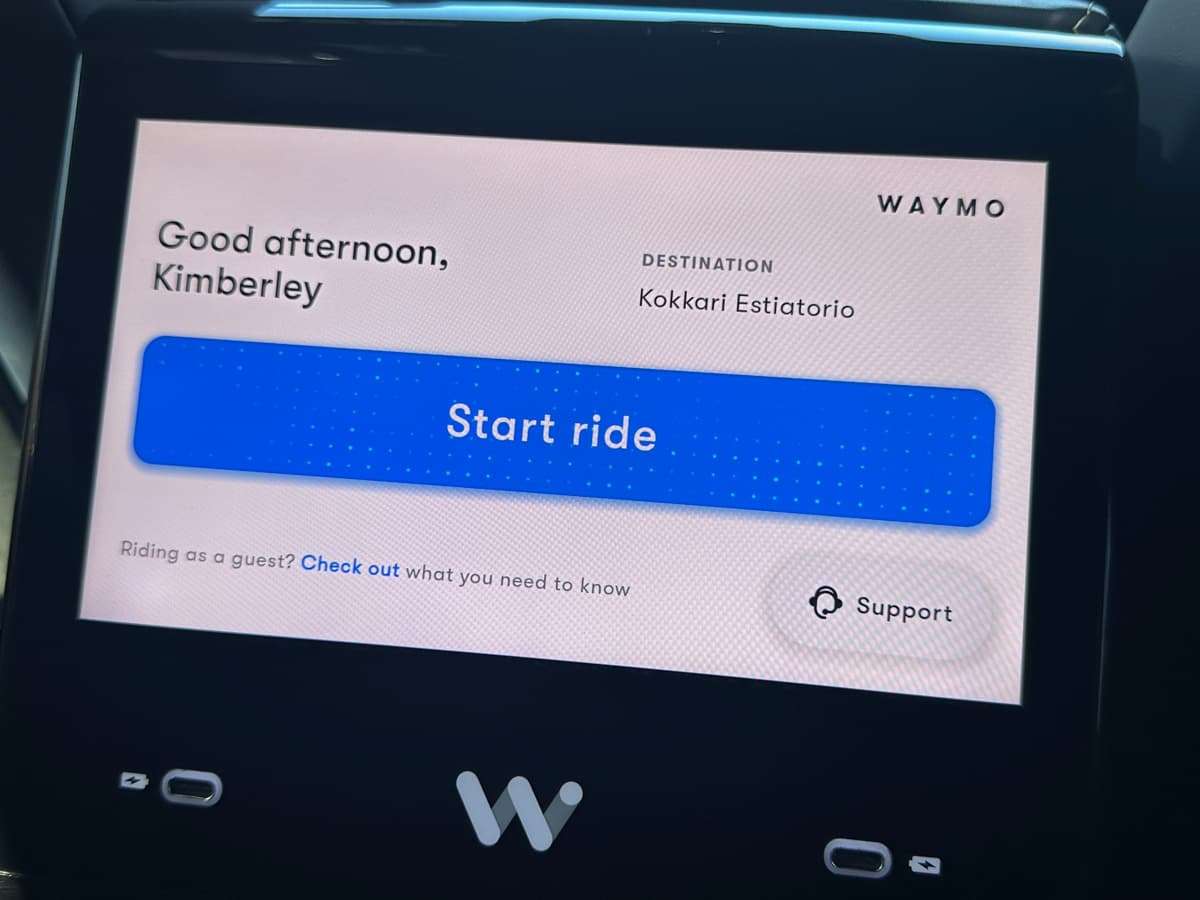
Once you slide into your seat, a passenger screen welcomes you by name above a “Start ride” button. The car won’t move until you push it, which gives you a chance settle in, buckle up, and snap a few photos. Push Start ride, and away you go!
FYI: The driver’s seat and steering wheel area of the Waymo are strictly off-limits to passengers.
Is Your Waymo Listening?
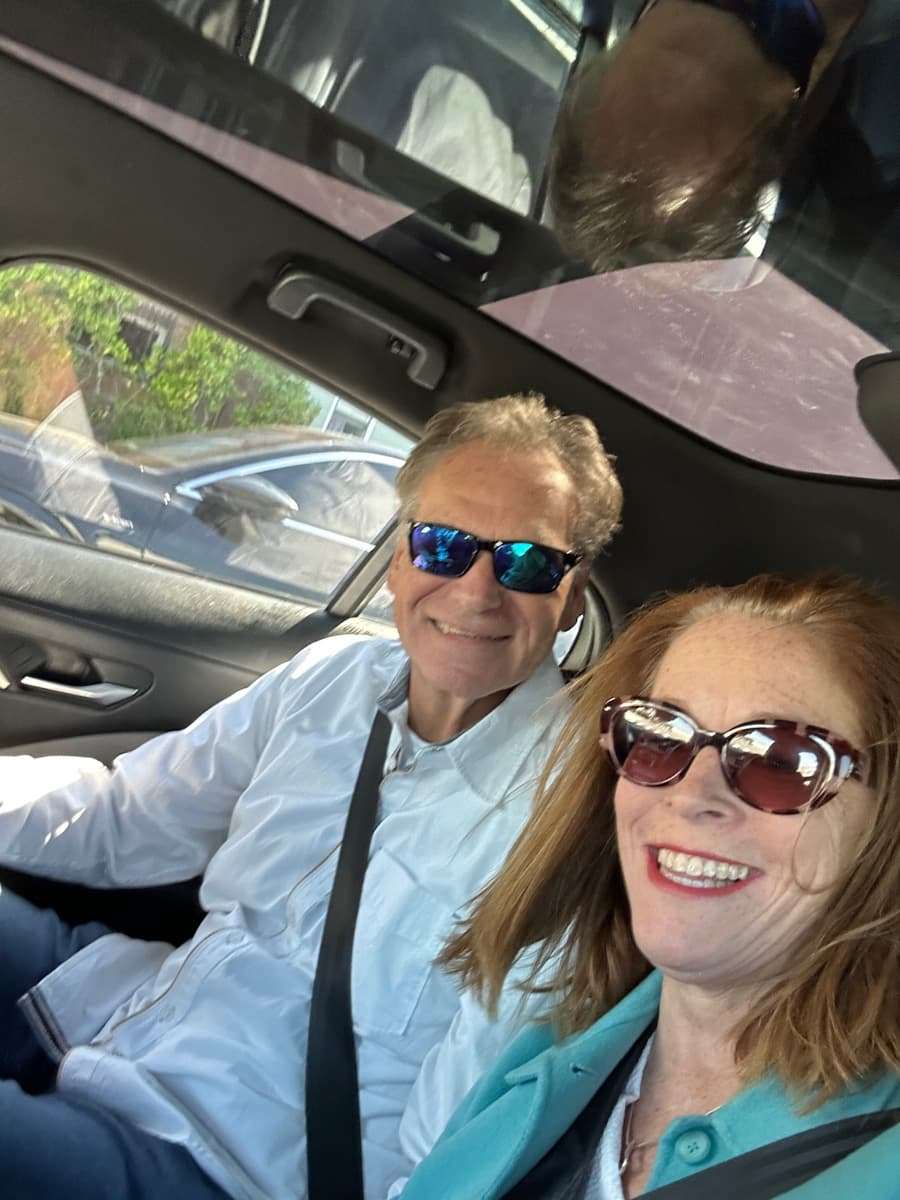
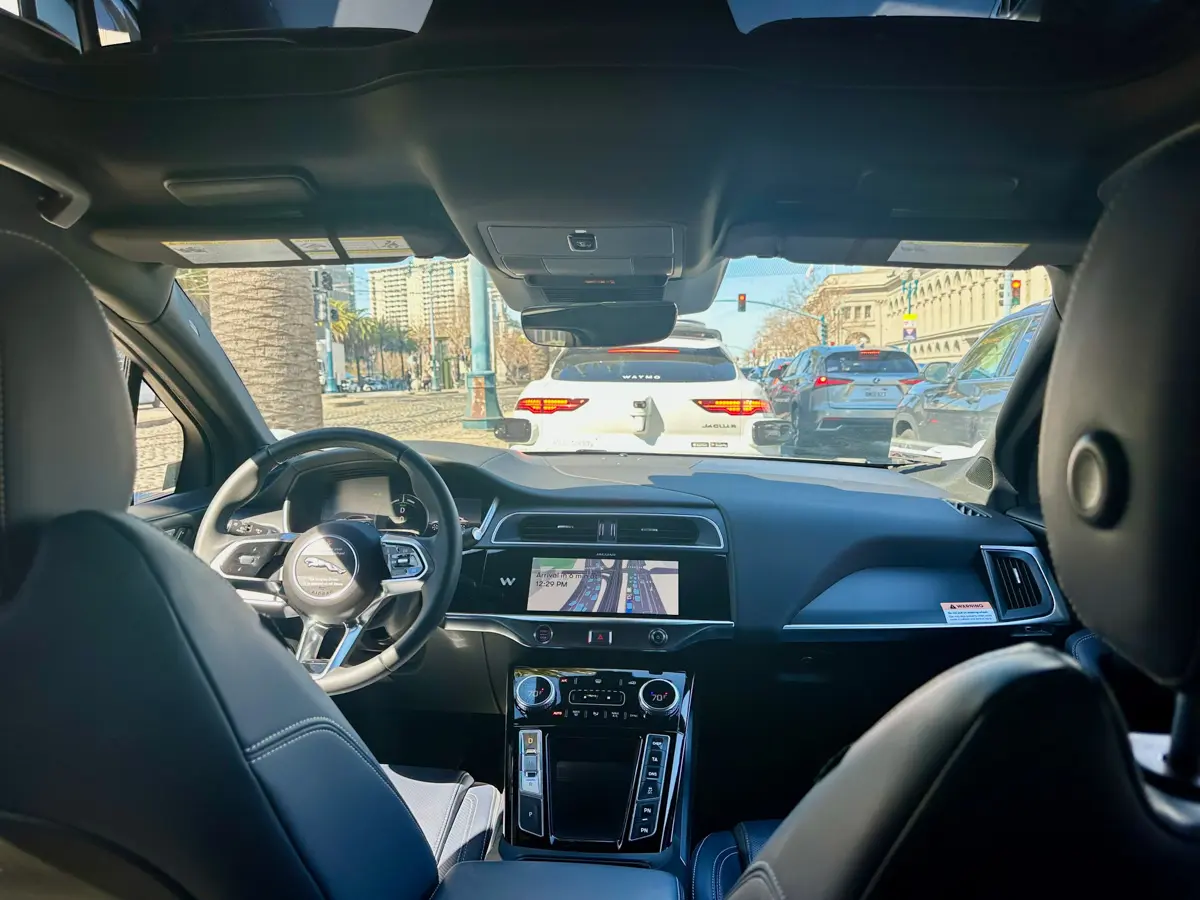
One thing many first-time riders wonder is: Can it see and hear me?
The quick answer is, no, not really.
Waymos use a combination of cameras, radar, and lidar sensors mounted around the outside of the car to assess what’s happening on the road, detect movement, distance, and environmental changes in real time.
Inside the vehicle, microphones are used for safety and support, such as allowing riders to communicate with a representative if there’s a problem during the ride.
Waymo assures us that the car is not “listening” to our conversations, and microphones are only on in the car when you contact rider support.
Cameras inside are primarily there for safety, navigation, and incident reviews (lost items, cleanliness, emergencies), but not to monitor riders.
I don’t know if I believe this 100%. But honestly, other than singing off tune, I’m not doing anything that interesting in the car. Plus, is it really any different than a driver watching and listening to you from the front seat?
Controls: Music, Comfort & Help at Your Fingertips
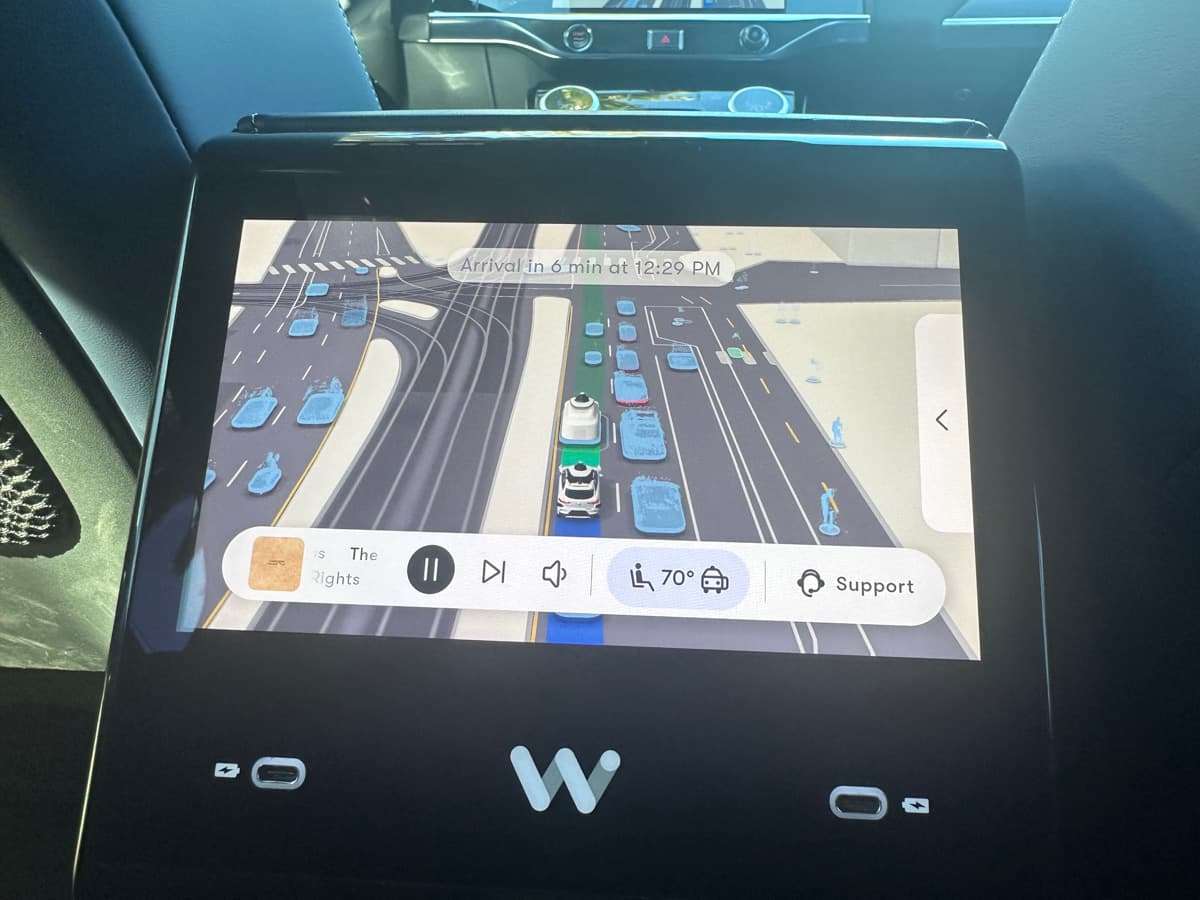
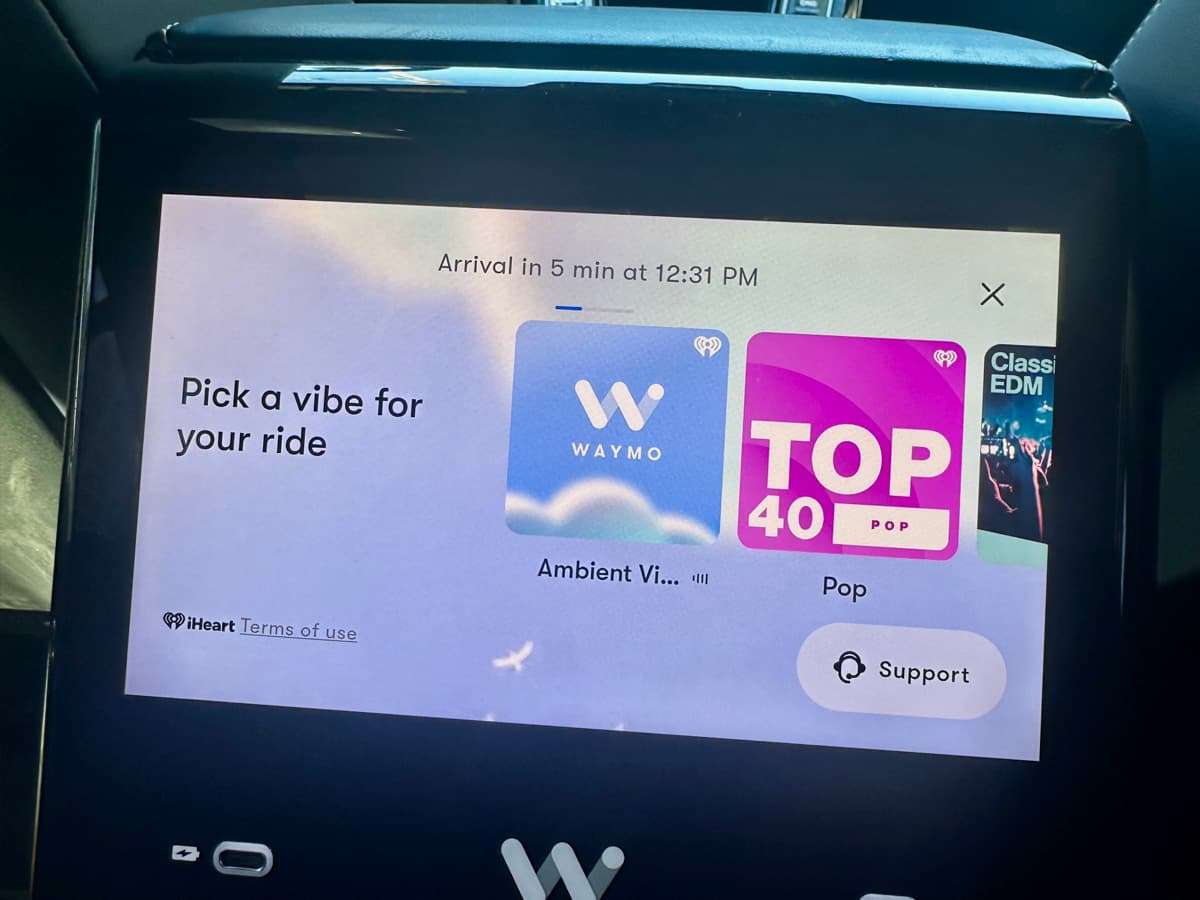
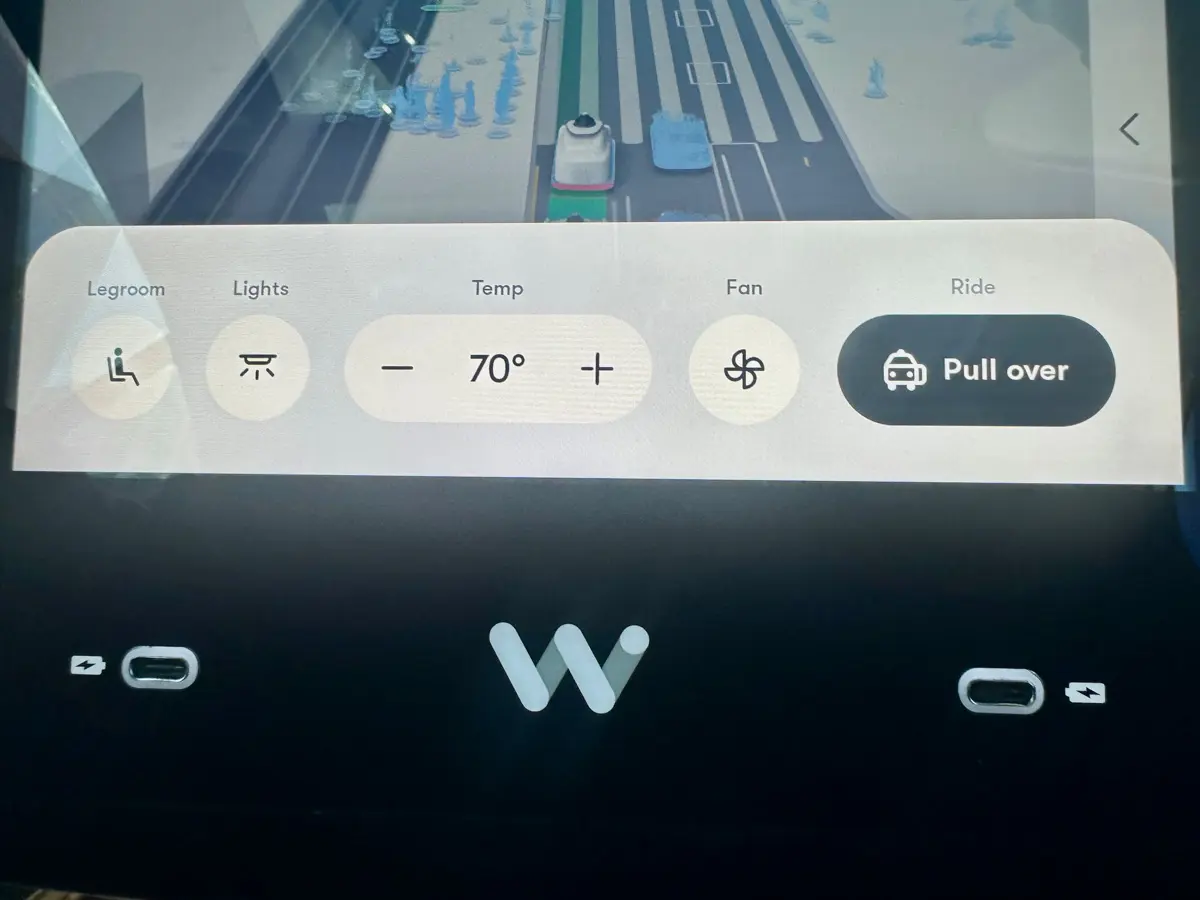
For comfort, you can control the temperature and airflow from the in-car screen or the app. You can also roll down the windows. Waymo has a music selection, including Top 40, Jazz, Rock, Classical, and more. Or hook up your own Spotify playlist.
The most important button in the car is the “Support” button. If anything feels off, or you’re just unsure or uncomfortable, you can tap it to connect with a real human instantly.
On a recent ride, I had to use it when a group of tourists got too close to the car and started trying to open the door. They didn’t mean any harm and were more curious than anything. But the car completely shut down and stopped moving.
Unsure whether I needed to do something in the app or rebook the ride, I pushed the Support button. A rep answered right away and calmly confirmed I was safe and explained this was a normal Waymo response when people get too close.
In a few minutes, the car started moving again.
The Ride: Cautious in a Good Way
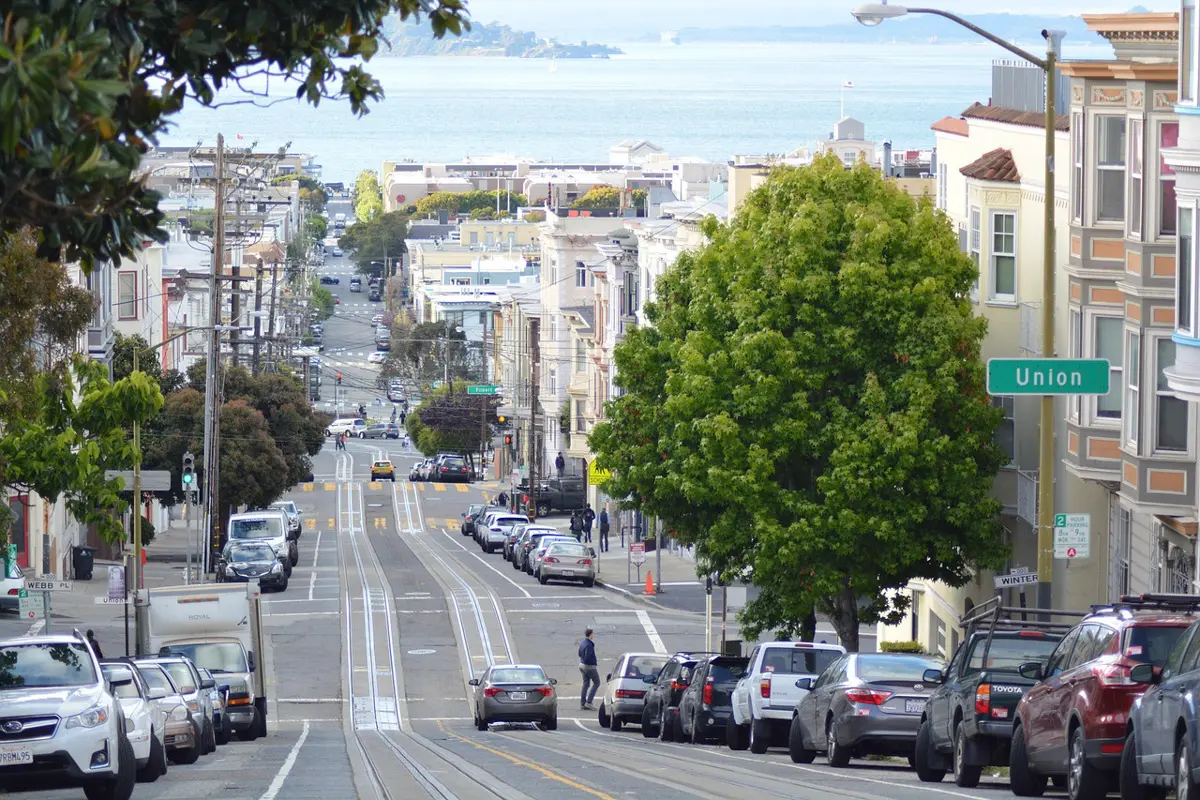
San Francisco is not a beginner-level driving city (which is why you should think about whether you need a car in San Francisco when you visit).
There are steep hills, bold and unpredictable pedestrians, double-parkers, aggressive bikers, and scooter maniacs. There are cable car tracks and cable cars, delivery trucks that stop in the middle of lanes, and walkers stepping off curbs with their faces in screens.
Waymo cars are aware of all of these hazards and drive with a noticeable safety-first style and:
- Wait patiently for people in crosswalks
- Give extra space to pedestrians, cyclists, and scooters (who are obnoxious at times)
- Handle traffic without aggressive lane changes and will even use the signal
- Take curbside pickups and drop-offs slowly and deliberately
If something unusual happens, the car may slow down, pull over, or stop while the system reassesses. If that ever feels confusing, the Support button is there.
Mid-Ride Panic: What if You Want to Get Out?
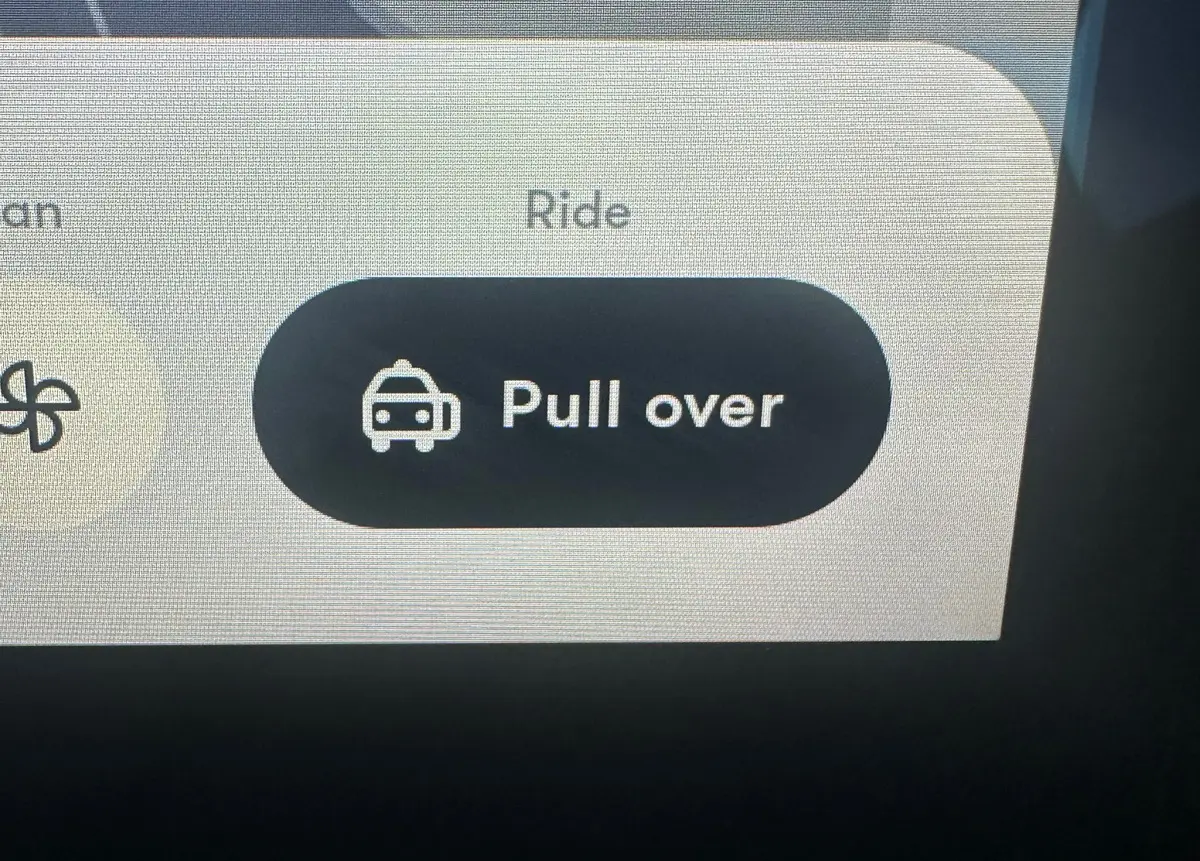
Another small detail that should quietly reassure first-time riders is the “Pull over” button.
If at any point you feel uncomfortable, confused, or simply want the ride to pause, push this button.
FYI: It’s not an emergency brake, and the car will not come to a screeching halt.
This is designed for rider comfort, and the car will pull over at a safe point in the journey. Once it has, you can use the Support button to address a concern, or a support agent may call you to check whether everything is okay.
Drop-off: One More Smart Safety Detail
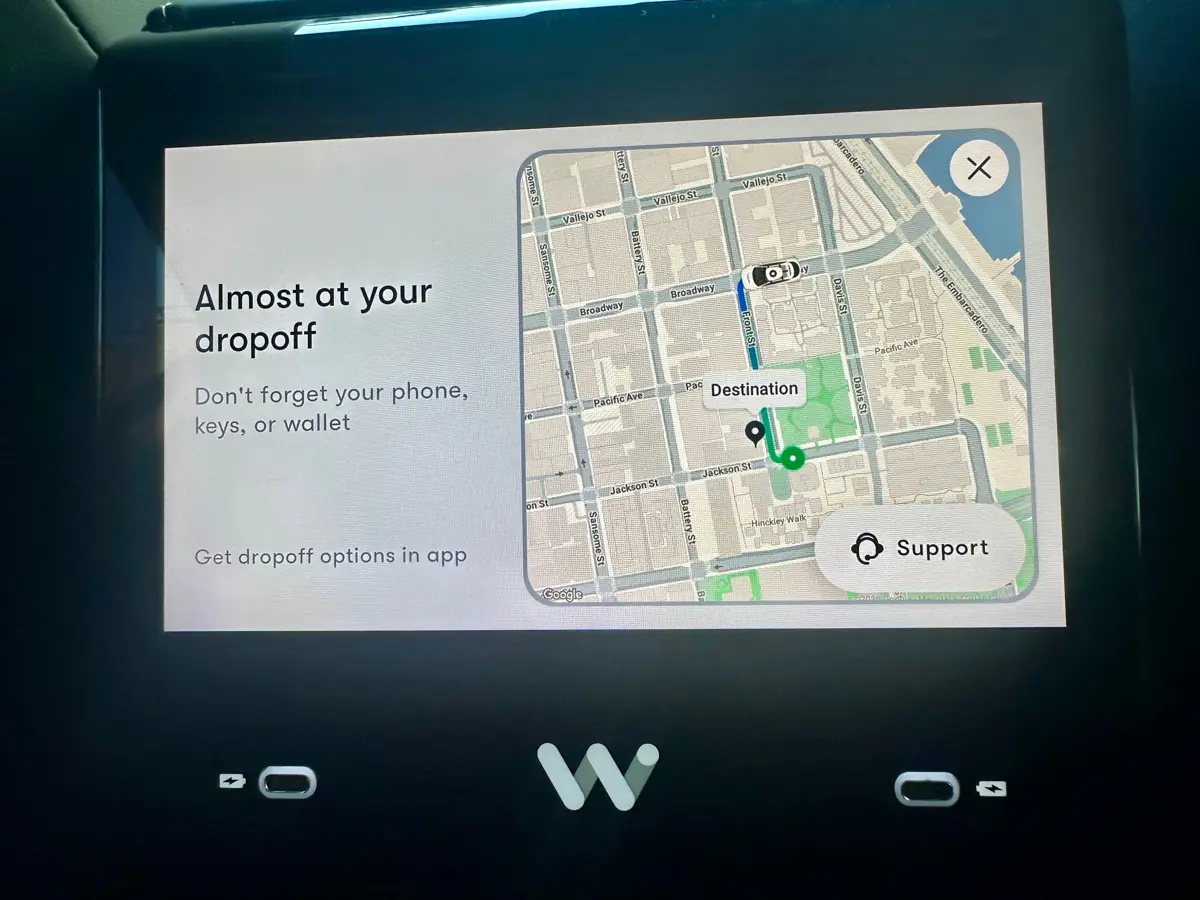
When you arrive at your programmed destination, Waymo’s Safe Exit feature alerts you (with audio and visual cues) if there are hazards to be aware of (bikes, scooters, etc.) before opening the door.
When the coast is clear, you step out, shut the door, and the ride ends —no awkward goodbyes required.
And voila! You’ve taken your first driverless car ride with Waymo in San Francisco.
High five!